
AVATARYA STUDIO
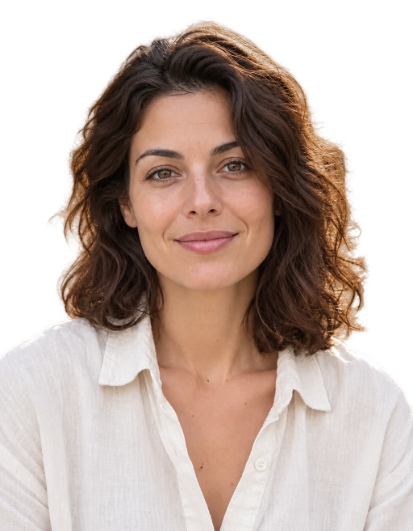
編集前 → 編集後新しい画像
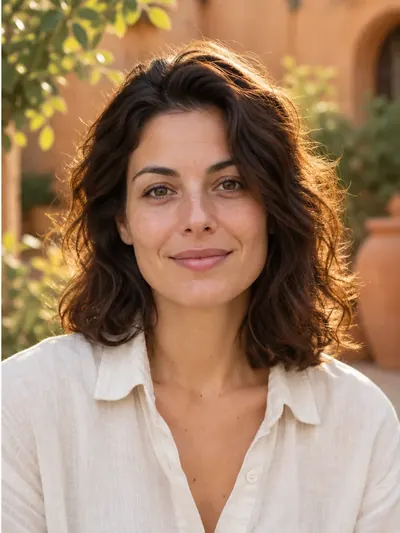
この結果に使用された設定
- モデル
- Avatarya Studio 2
- 画像の品質
- 標準
トリミング、白い塗りつぶし、衣服オーバーレイ、印刷レイアウトはブラウザ内で実行されます。支払いが必要な AI 処理を使うのは人物の切り抜きのみです。
自動指示
Isolate only the main person in the reference photo. Keep their visible body, hair, clothing and worn accessories. Remove every other person and every non-person object, including chairs, armchairs, seats, backrests, headrests, armrests, furniture, cushions, equipment and objects held in the hands. A chair or other object must be removed even when the person is sitting on it, leaning against it, touching it, or when it closely follows the outline of their head, hair, shoulders or clothing. Do not include any part of a chair or other surrounding object in the person cutout. Make all areas outside the person and all visible gaps between their body parts fully transparent. Preserve the exact identity, facial features, expression, skin texture, hair, clothing, body pose and natural outlines. Do not beautify, retouch or regenerate the face, and do not invent hidden or cropped body parts. Keep the original framing and orientation. Return only the person on a fully transparent background, with clean natural edges and no shadows or solid background.これらの設定は公開されている例の内容です。新しく実行すると、別の画像になる場合があります。
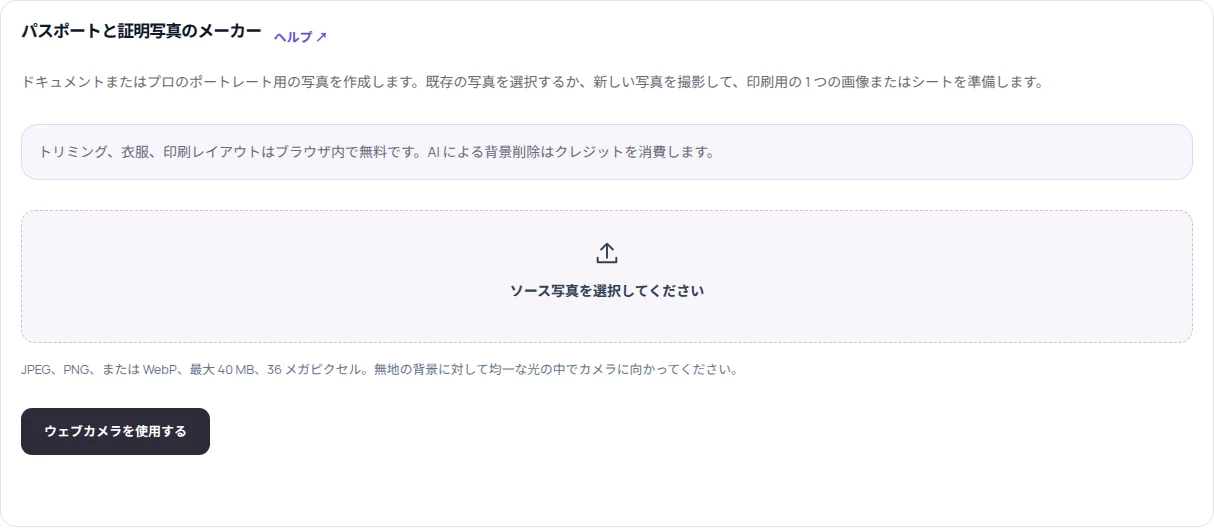
ポートレートを読み込む
Document photo を開き、40 MB・36 MP までの JPEG、PNG、WebP を選ぶか、ウェブカメラで撮影します。頭、首、肩がすべて見えるようにしてください。
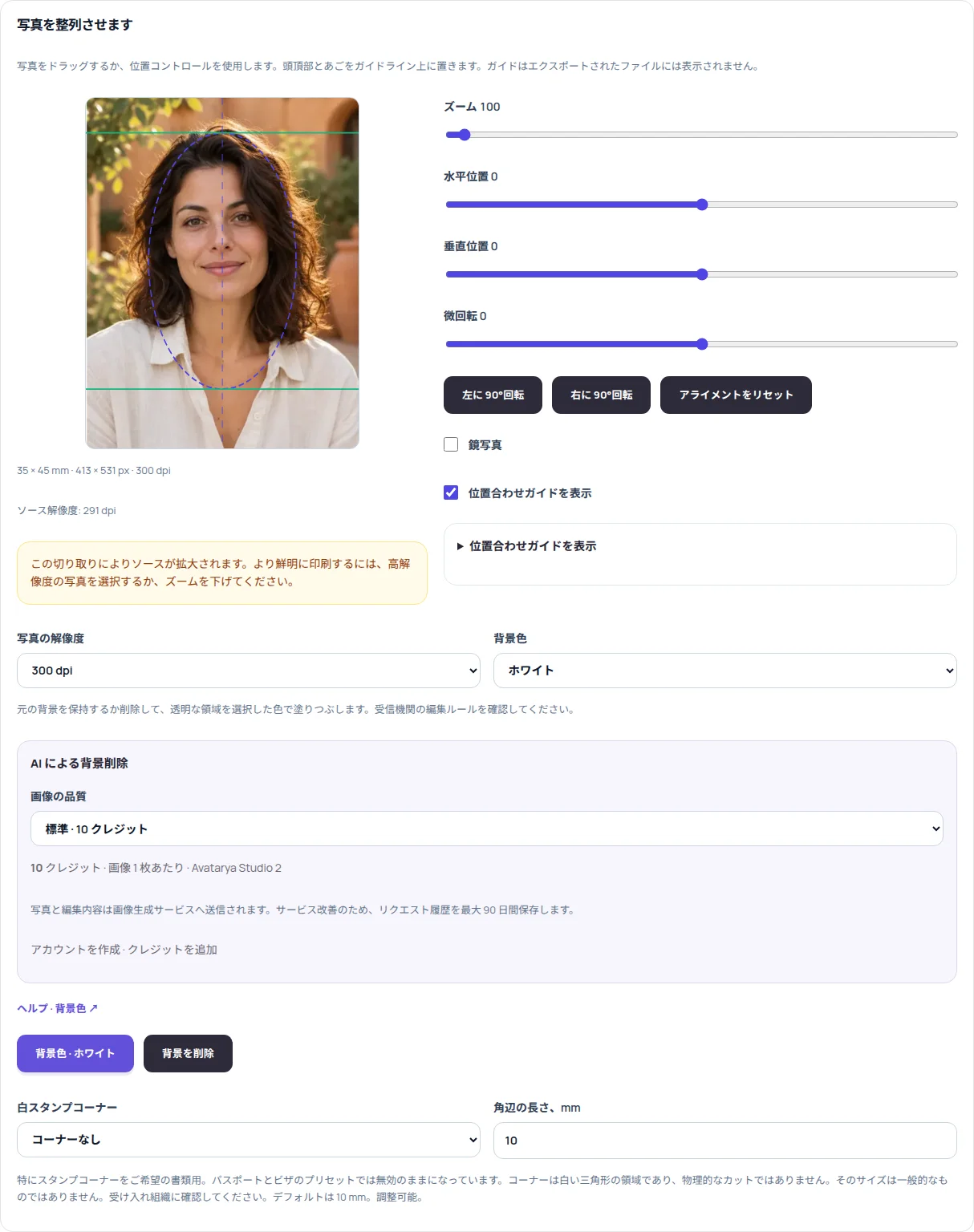
形式と品質を選ぶ
書類サイズを選び、顔を合わせます。サインインして、背景除去の品質としてドラフト、標準、高品質を選びます。それぞれの設定料金は 5、10、30 クレジットです。
人物の背後を白背景にするを実行する
専用のアクションボタンを押します。背景、椅子、その他の物体を削除し、メインの人物、服、身につけている小物だけを残すよう指示して、縮小版が処理に送信されます。ゲストの無料試行は使われません。
確認して書き出す
髪、顔、肩を確認してください。エディターは透明部分を白で塗りつぶします。灰色や青を選んでも、この同じ写真に対して追加の有料削除依頼は不要です。写真とプリントシートを用意するで JPG または PNG を準備してダウンロードします。
実用的なヒント
色リストで白を選ぶだけでは、不透明な背景は消せません。処理済みの元画像と切り抜きは最大 90 日間、非公開履歴に保存されます。切り抜きと色変更はブラウザで動作します。
AVATARYA.APP
サービスを開く ↗